Configuration sources that supply properties and settings to Apereo CAS server deployments generally tend to be static. Their main responsibility is to feed the server a collection of properties and settings, typically very early on during the bootstrapping phase, before the CAS application context has had a chance to be created. Once built and available, the application context remains largely in read-only mode and can only be observed until the next restart.
This post provides an overview of how configuration sources can provide dynamic updates to the CAS server and allow it to react and reload its configuration and components without having to restart the server. Please note that this work is commissioned as part of the CAS proposal to NLnet.
Overview
Configuration sources in Apereo CAS typically include static .properties or .yaml files. Once the server has had a chance to read and process the collection of settings in such files, they mainly stay out of the way and subsequent changes to these files usually requires a restart. While CAS can be configured to watch for updates to property files and react, our objective here is mainly focused on external configuration sources, particularly those that are based on SQL databases or MongoDb.
In addition to allowing CAS to use such external sources to support dynamic updates, we also intend to extend this functionality and make it available in the CAS admin interface, codenamed Palantir. Today, Palantir presents a read-only web view of active configuration settings and properties that control server behavior. The operator is only able to view all properties and settings, as well as their source, default values, etc. Thus, we intend to enhance Palantir functionality to allow the CAS operator to add, edit, and possibly remove configuration settings at runtime using a web-based editor. The operator should have the ability to update existing settings or add new ones, have them be stored in the appropriate persistent configuration store that survives restarts. All server functionality that depends on a given setting should be able to seamlessly refresh itself to work with the new copy of the setting.
MongoDb Configuration Source
It is already possible to use an external MongoDb instance as the configuration source for CAS properties. This capability is handled by the cas-server-support-configuration-cloud-mongo module, which automatically creates a collection called MongoDbProperty and stores properties using this structure:
{
    "id": "kfhf945jegnsd45sdg93452",
    "name": "the-setting-name",
    "value": "the-setting-value"
}
To teach CAS about the MongoDb instance, the connection information can be supplied via:
export CAS_SPRING_CLOUD_MONGO_URI="mongodb://..."
The underlying core component, MongoDbPropertySource, is one that is modified to implement operations requested by a MutablePropertySource. Mutability in this case means that the source can be updated, settings can be removed, etc. This is the mechanism required of all property sources in CAS (that is absent in Spring Cloud today), if they wish to participate in dynamic updates. Of course, when you just start out, the MongoDb collection is empty, and it can live next to your existing .properties and .yaml files, though it has a higher priority and can be asked to override settings elsewhere.
Also note that, as implied, while the focus here is mainly on MongoDb, you can run CAS with multiple configuration sources at the same time. On paper, it is possible to have CAS load properties from files, MongoDb, SQL databases, etc., all at the same time.
Now, when you build and launch the Palantir admin module, you may be presented with this interface:
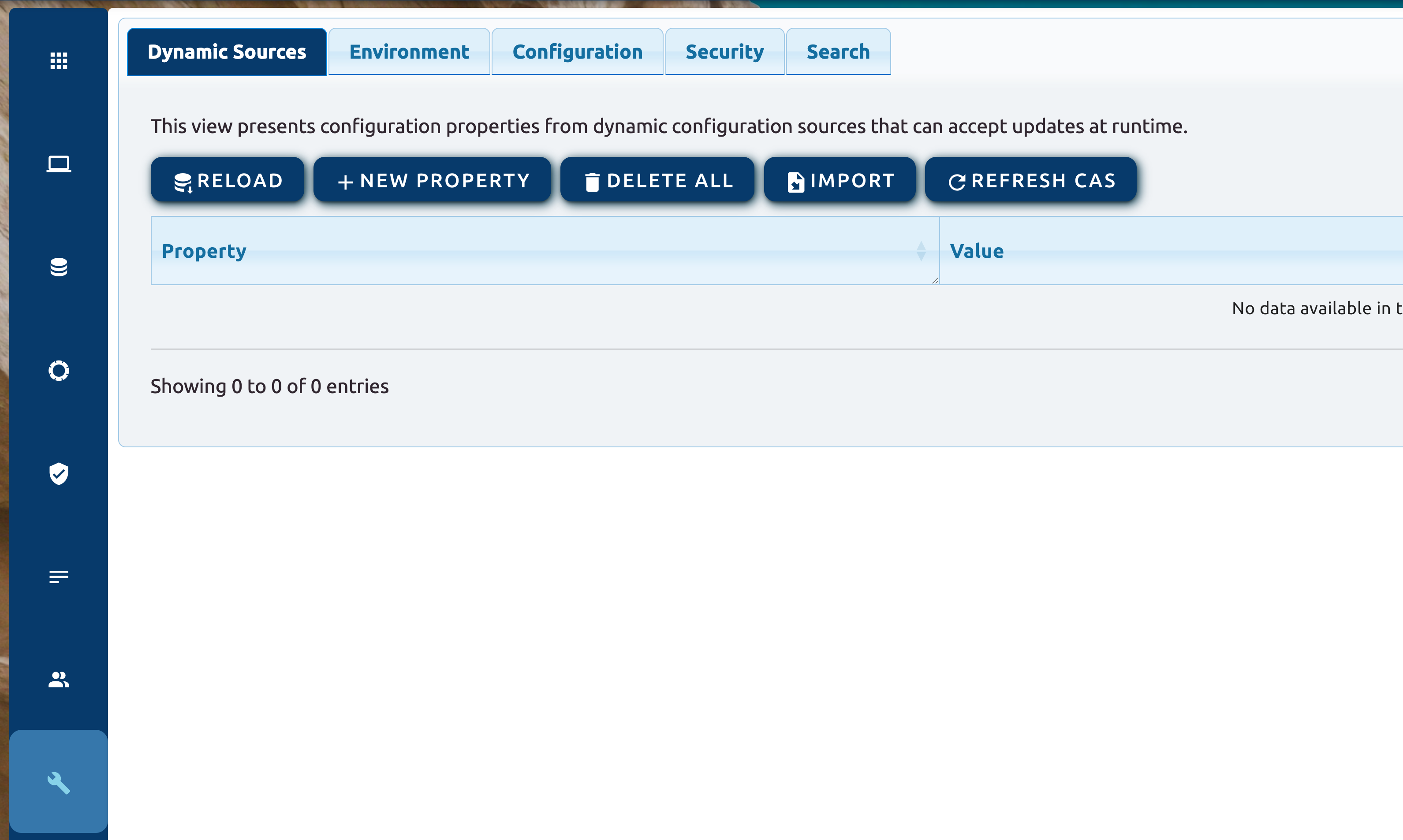
You can start by creating configuration properties:
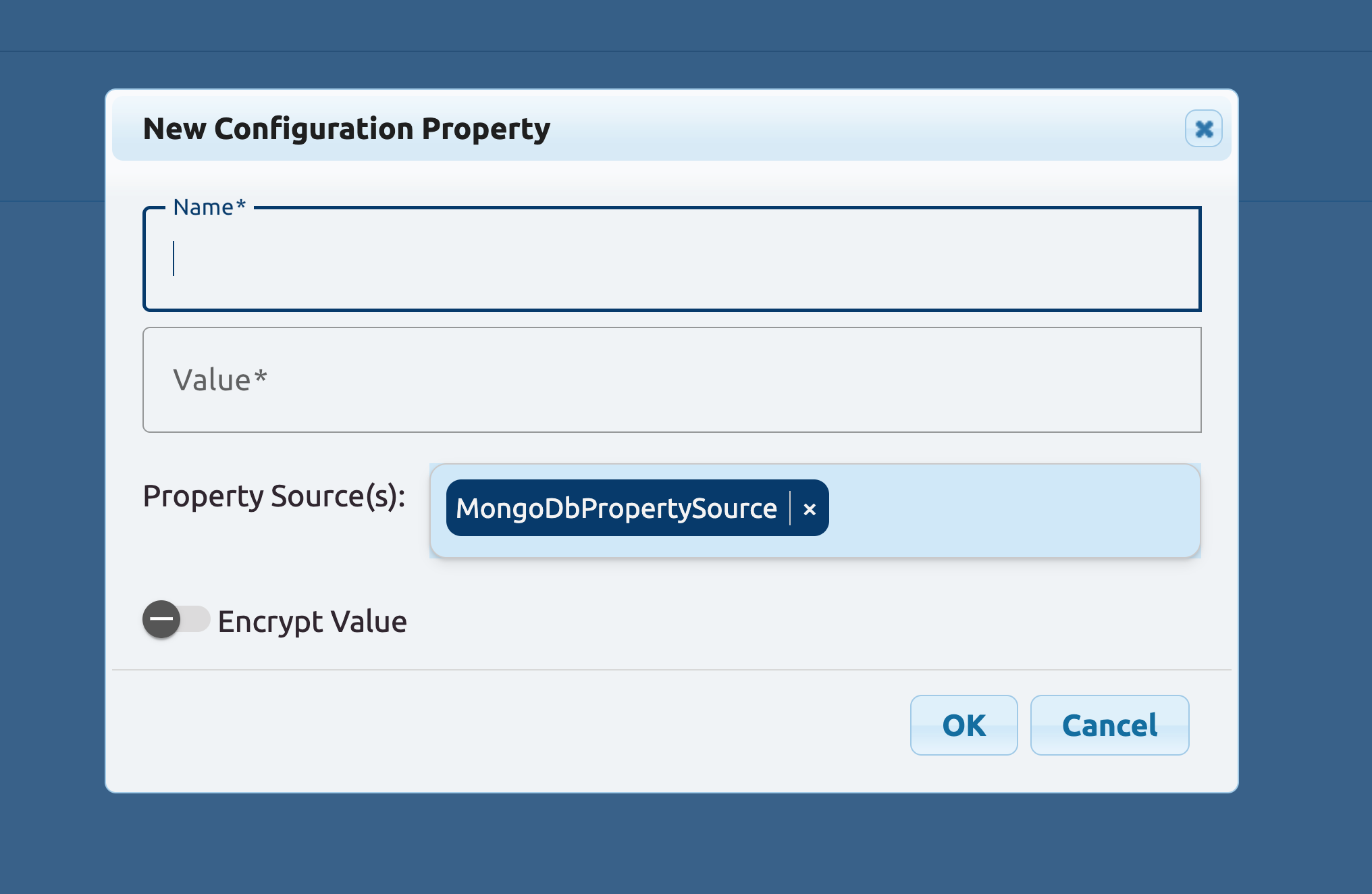
Or reload what is already there, delete and clear everything, or import from .properties or .yaml files. The import functionality might be especially useful if you wish to migrate from one static source, such as a .properties file to a dynamic source like MongoDb.
When creating new settings, you can also switch to the Environment tab and look at how the CAS application context and environment is formed.
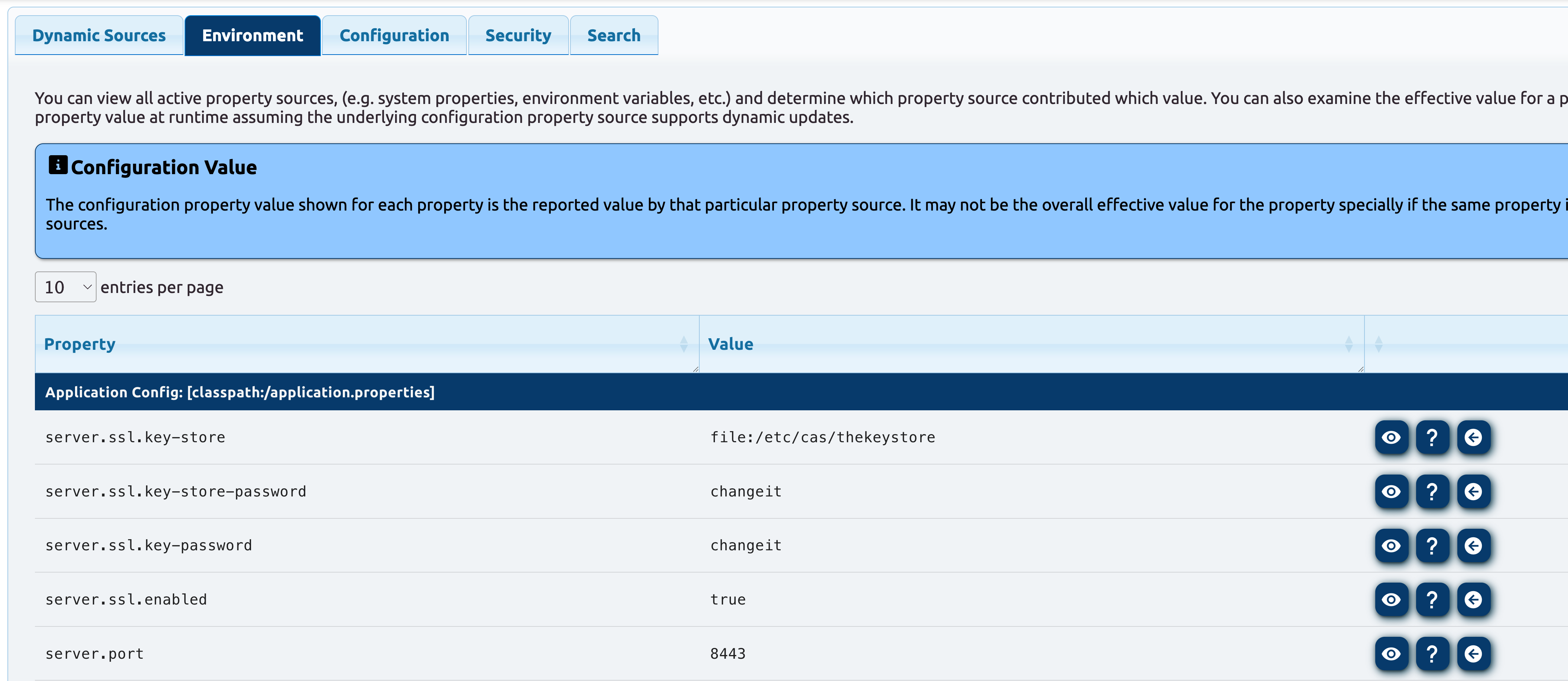
You can look at the effective value for a property:
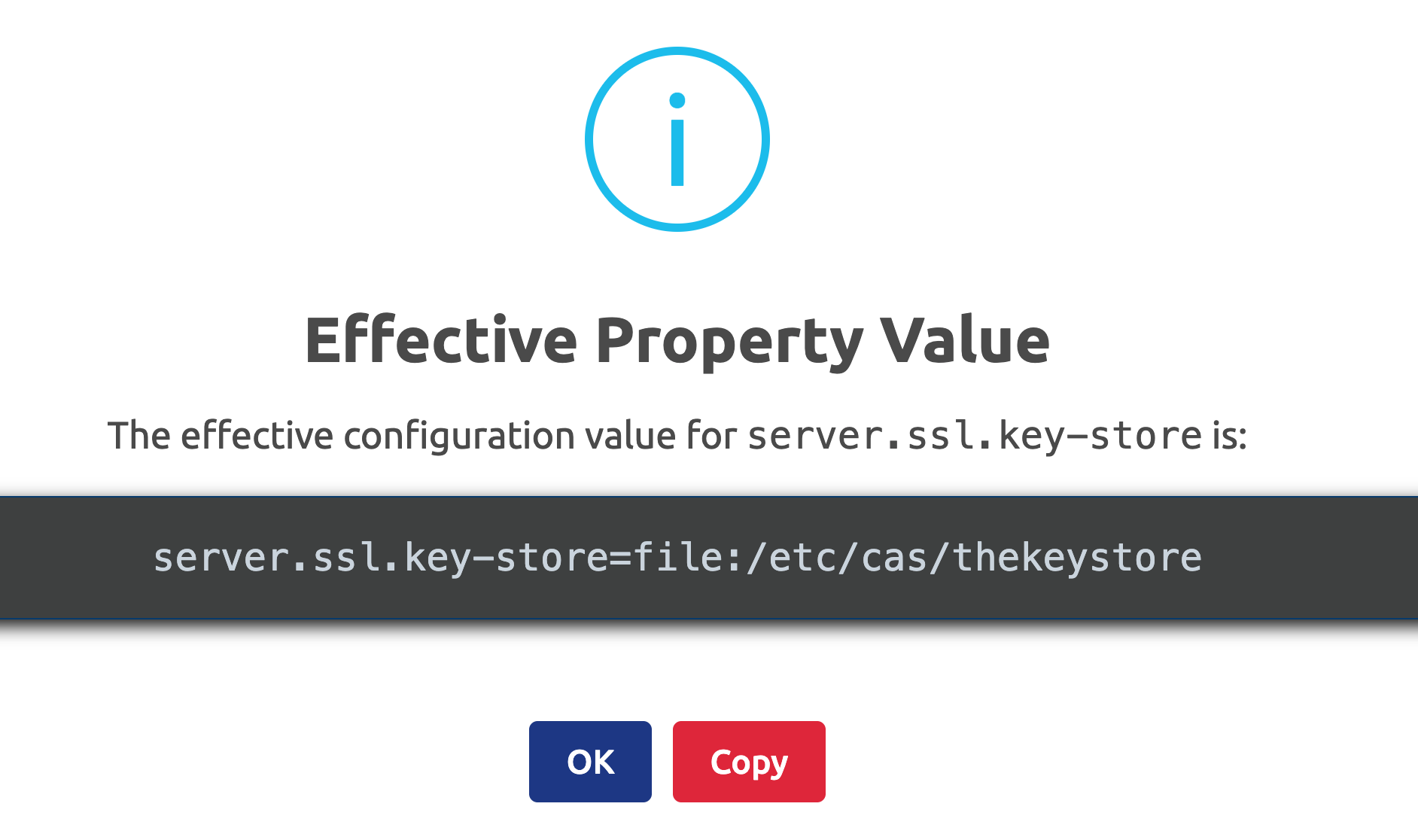
Or take something that is available, import it into your dynamic property source (i.e. MongoDb) and override its value:
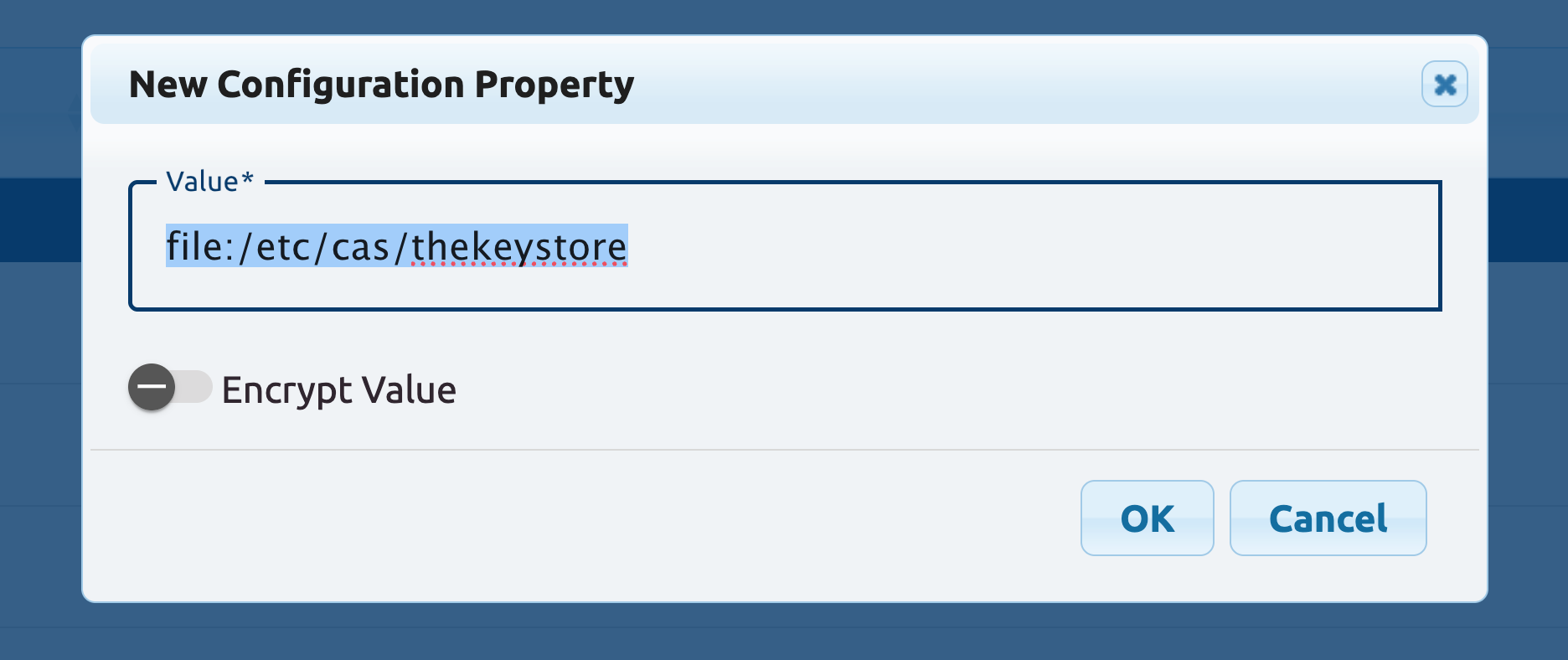
Important: remember that just because a property exists in a configuration source, it does not mean that CAS will be able to immediately notice the change to start using it. The configuration source is mainly kept in isolation and separate from the active runtime context, and can be changed and updated as many times as necessary until you’re ready to put changes into effect. When the time is right, you can ask CAS to refresh itself:
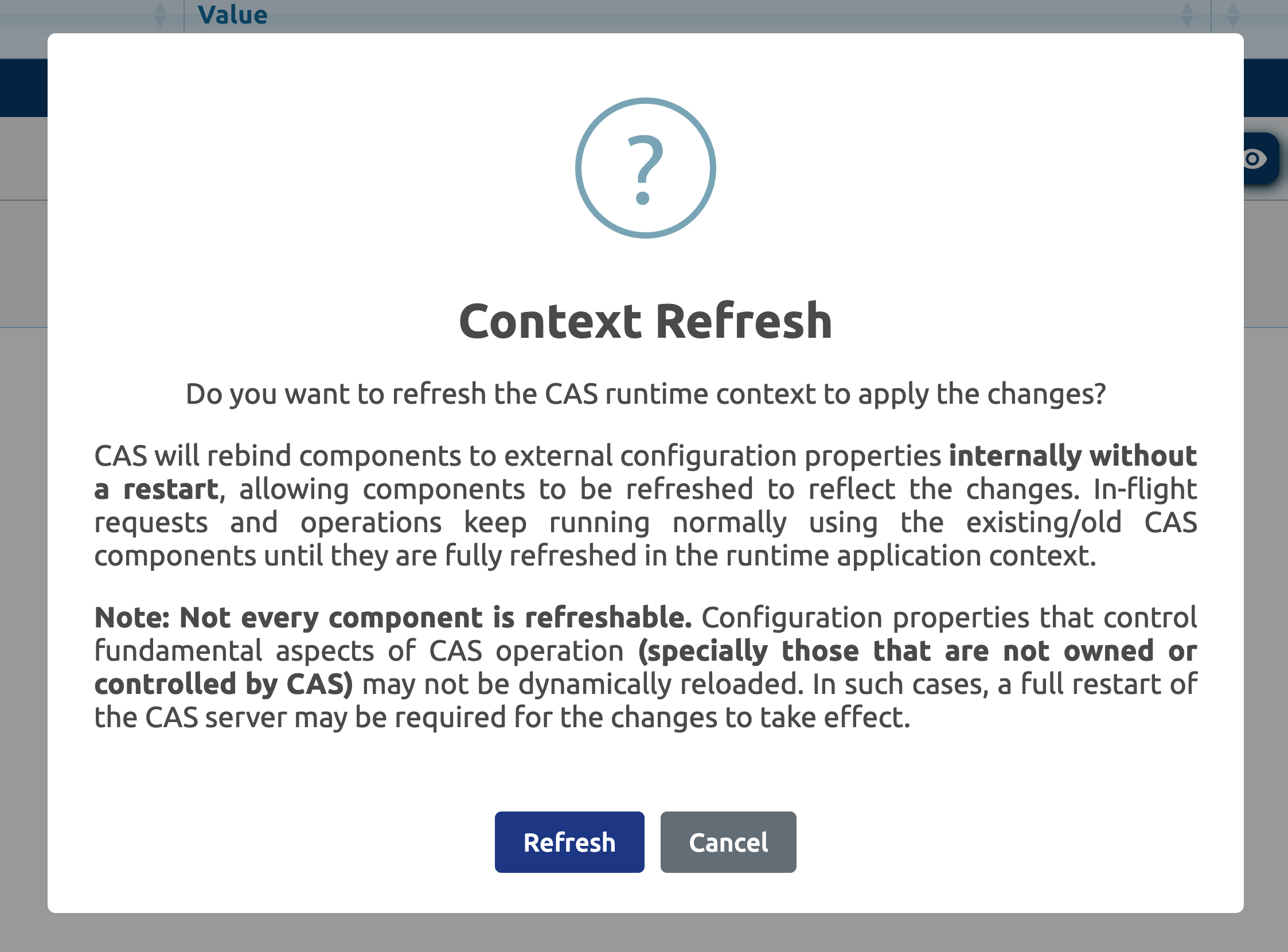
Once refreshed, CAS settings that are put into your configuration source should be activated.
SQL Configuration Source
Note that the exact same concept is available to CAS when a SQL database is used to house configuration settings. The difference now is, this capability is handled by the cas-server-support-configuration-cloud-jdbc module. By default, settings are expected to be found under a CAS_SETTINGS_TABLE that contains the columns: id, name and value. Note that id is a unique identifier for each record and may be generated automatically.
And similar to MongoDb, the SQL connection information can be taught to CAS via:
export CAS_SPRING_CLOUD_JDBC_URL="jdbc:..."
Availability
The capabilities described in this document will ultimately be available in CAS 8.0.0, and you should be able to start playing with them as of 8.0.0-RC2. The configuration sources that can handle dynamic updates and are covered include:
- Amazon S3
- Amazon DynamoDb
- Amazon Secret Manager
- Amazon Systems Manager Parameter Store (SSM)
- JDBC (As was covered here)
- MongoDb (As was covered here)
- REST
Subsequent improvements and fixes will also be included in future release candidates prior to the final release.
On behalf of the CAS project,